
Last verified: 2026-10-26
Ask the landlord whether the home already has an active internet connection before ordering one. Then match the service period to your likely move-out date. A low advertised monthly rate can depend on a commitment that lasts longer than your stay.
If you only need a connection while waiting for installation, a phone hotspot may be enough for your own usage. Check the mobile plan’s separate tethering allowance first. “Unlimited data” doesn’t establish an unlimited hotspot allowance.
Check what “internet included” means
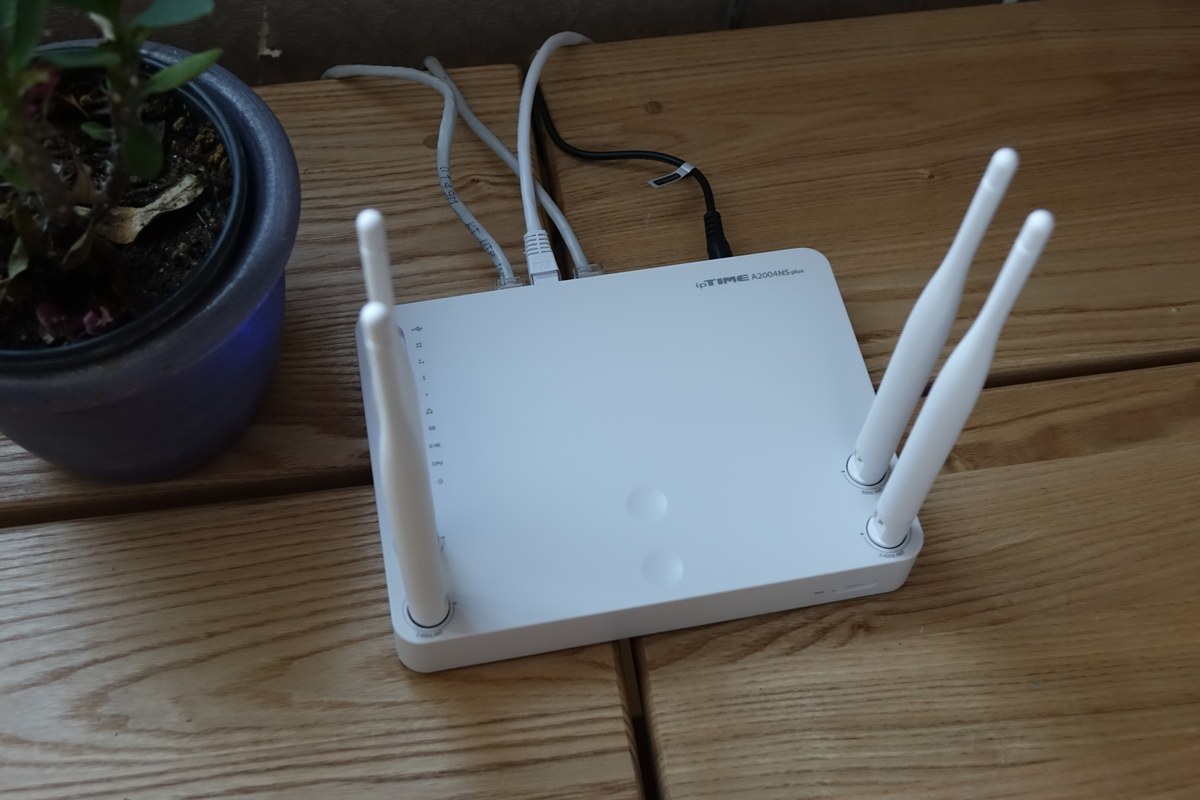
Ask whether the connection belongs to your unit, is shared with other rooms or is a building service. Confirm where the router is, who owns it and who handles faults. A Wi-Fi network name in the room doesn’t tell you whether its bill is included in rent or maintenance.
Try the connection where you will actually work. If permitted, test a video call and the websites you need. Ask whether wired access is available if that matters to you. Your own test describes that place and time; it doesn’t guarantee performance later.
If the landlord says a previous resident left the router, ask whether the service is still active and whether the equipment must be returned. Don’t reset or discard equipment whose ownership is unclear.
Ask:
인터넷은 관리비에 포함되어 있나요? 이 방 전용 회선인가요? 문제가 생기면 어디에 연락하나요?
“Is internet included in the maintenance fee? Is the connection dedicated to this room? Who do I contact if it stops working?”
Compare a fixed line, prepaid service and a hotspot
| Option | Check before choosing | Question that can change the choice |
|---|---|---|
| Included building connection | Actual access, performance and support | Can you use it without opening your own account? |
| Your own fixed-line subscription | Availability at the address, commitment and cancellation terms | What would you owe if you leave early? |
| Prepaid fixed-line service | Service period, installation and equipment conditions | Is it available for this address and your documents? |
| Phone hotspot | Tethering allowance, signal and device use | Will it support the work you need during the waiting period? |
KT’s official English internet catalog lists a prepaid option as well as other home-internet products. Its one-year internet product page describes a shorter commitment than its three-year comparison. These are examples of choices to ask about, not a recommendation that every applicant can obtain them or that they suit every address. No promotional price is reproduced here.
For mobile-line choices, use the separate SIM and eSIM guide. Check current hotspot conditions with the mobile provider for the exact plan you hold.
Get a written quote for the address
Give the provider the full Korean address and unit number. Ask whether service can be installed there and whether landlord or building-office coordination is needed. Don’t assume the same product is available because someone in the next building has it.
Request a quote that separates the service charge, installation, router or modem, optional TV service and any other charge. Ask when each amount is billed. If a salesperson offers a bundle, ask what happens to each part when you change or cancel another part.
Ask what documents and payment methods apply to the particular home-internet product. Don’t copy a mobile-phone signup checklist and assume it is sufficient. Passport, residence status, account-holder name and payment requirements need confirmation from the provider for your application.
Invest KOREA’s telecommunications guide describes fixed-line installation and charges that can include service and modem-rental costs. It also warns that ending a contract early can bring a penalty. Use this public overview to prepare your questions, then get the current terms for the actual product and address. Its general document guidance doesn’t replace the provider’s application check.
Arrange installation around your access
Confirm the visit date, the contact method and whether you must be present. Let the landlord or office know if shared equipment or a locked service area may need access. Ask what happens if the technician cannot complete installation.
Before the visit ends, ask which equipment was supplied and how to report a fault. Keep a photo of the equipment labels for your private records if needed, and store the order confirmation with the service start date. Don’t publish account identifiers or passwords.
If work depends on being online, keep a temporary connection plan for the gap between moving in and successful installation. A booked visit isn’t proof that the line is already usable.
Keep a short fault record
If the connection stops working, write down when it happened, which device you were using and whether other devices have the same problem. Ask the provider or building office which checks it wants you to perform. Don’t reset shared equipment or remove cables from a locked service area to investigate on your own.
If Wi-Fi fails in one part of the room, explain where it works and where it doesn’t. If permitted and supported, a wired test can help you describe a different connection path to support. Don’t report a wireless coverage problem as a confirmed fault in the incoming line unless the provider has established that.
Keep the service-request number and the agreed next step. Ask whether a visit could incur a charge and how that would be determined before booking it. The answer depends on the product, equipment and cause of the problem; this guide doesn’t quote a universal repair fee.
For an included building connection, send the fault record to the person responsible for that service. Ask whether it affects only your room or other rooms too. Keep your private network password and account identifiers out of any group conversation. Share only the details needed to identify the fault through the provider’s verified support route.
When the issue is resolved, note what the provider changed and whether any equipment was replaced. Keep a replacement receipt with the original equipment record. This gives you something specific to refer to if the same symptom returns or if the provider later asks you to return a device that has already been exchanged.
Ask about leaving before you sign
Ask for the cancellation calculation for your expected departure date. Check whether discount repayment, equipment return or another charge could apply. A verbal assurance that “foreigners can cancel” doesn’t establish the final amount.
KT’s English FAQ says early cancellation of a long-term contract can require repayment of service and modem-rental discounts. Ask for the terms of your exact product, including any applicable exception. Don’t assume that leaving Korea automatically removes a charge.
If you expect to move within Korea, ask about transferring the service, installation at the new address and any related cost. Get the answer before choosing a commitment. Moving, cancellation and returning equipment are different tasks.
After cancellation, check the final bill
Keep the cancellation confirmation and equipment-return receipt. Ask when the final statement will appear and how you can receive it after moving.
KT’s FAQ explains that its postpaid internet service can be billed in the following month, including charges up to the day before cancellation. A later bill doesn’t by itself show that cancellation failed. Compare the usage period and cancellation record, then query any unexplained amount.
For other providers, ask for their billing and cancellation process. This article doesn’t generalize KT’s FAQ to every service.
Source scope
An AI-assisted source check compared KT’s linked English catalog, one-year product page and FAQ, and Invest KOREA’s telecommunications overview, with this guide. The included-connection questions, installation record, fault record and temporary-connection plan are editorial suggestions. No availability, document acceptance, speed, hotspot allowance or cancellation quotation was tested for an individual address.